When analyzing the reasons power users choose android iphone ecosystems are constantly compared, but the debate usually misses the fundamental needs of advanced operators. Since buying my first smartphone over a decade ago, I have found parts of both iOS and Android appealing. Using an iPhone feels fluid, and for the everyday consumer, it performs its designated tasks admirably. However, as the demands of my digital life evolved into 2026, I realized that I required a device that adapts to my workflows, rather than forcing me to adapt to its limitations. As someone who requires an environment conducive to deep work, the control, flexibility, and absolute customization that Android offers over iOS have become non-negotiable.
The gap between the two platforms has certainly narrowed. The hardware on the latest iPhone 17 Pro is undeniably premium. Yet, when executing an Android vs iPhone power user comparison, the difference lies not in basic capability, but in profound, system-level freedom. Here is a brutally honest breakdown of why Android stands superior for those who demand maximum utility from their pocket computers.
The Freedom to Customize and Control
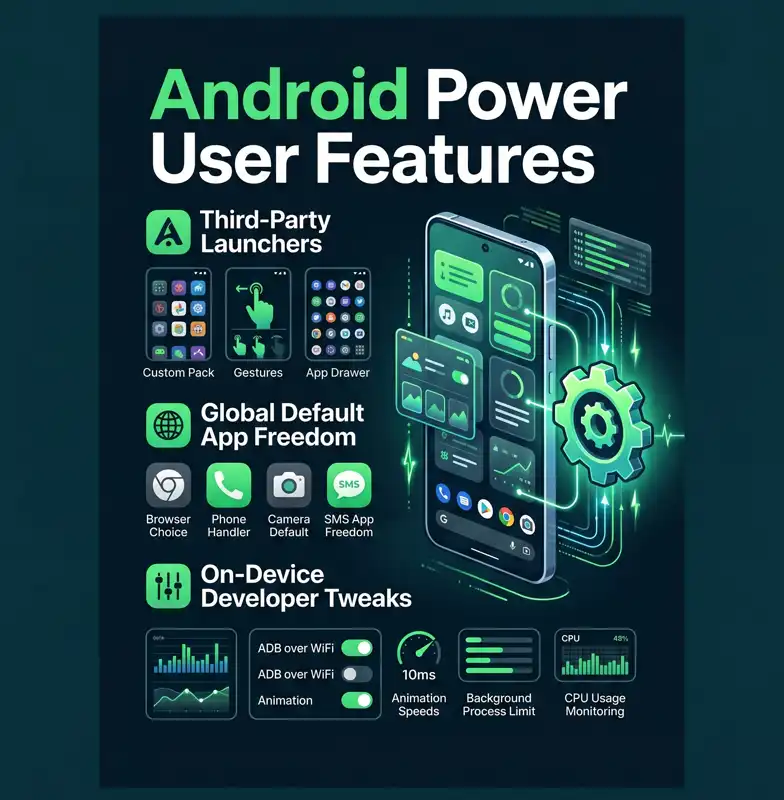
It is impossible to discuss mobile operating systems without touching upon customization. While iOS 18 finally introduced basic icon tinting, these superficial tweaks pale in comparison to Android’s deep-rooted flexibility. On Android, you are not just changing colors; you are redesigning the entire interaction model. You can install completely different third-party launchers, apply complex icon packs, and utilize custom widgets that actively pull real-time data.
More importantly, Android allows you to alter your default applications fundamentally. Whether it is your phone dialer, text messaging client, browser, or digital assistant, you dictate the default behavior. While Apple has opened this up slightly in specific regions like the EU due to regulatory pressure, Android offers this freedom globally and inherently.
| Customization Feature | Android Capability | iOS Capability |
|---|---|---|
| Third-Party Launchers | Fully supported, deep integration | Not supported |
| Default Core Apps | Global freedom (Dialer, SMS, Assistant) | Highly restricted outside the EU |
| Interactive Widgets | Advanced real-time data execution | Basic interactive elements |
Beyond the surface layer lies the true playground: Android system-level developer options. While iPhones have a developer mode, it is largely gated behind Xcode and mac-centric workflows. Android places the keys to the engine directly in your hands on the device itself. You can aggressively tweak animation speeds, manipulate background process limits, and force specific rendering behaviors. When you invest heavily in a flagship device, having the ability to extract every ounce of performance is essential.
“For a true power user, a smartphone is not just a communication device; it is a high-performance terminal that must bend to complex technical workflows.”
Hardware Variety and the Productivity Edge
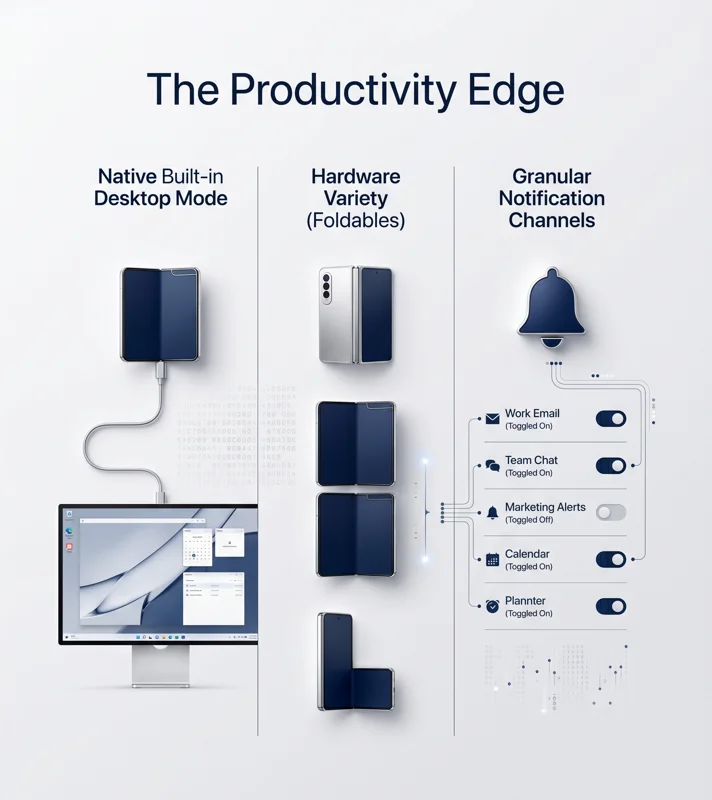
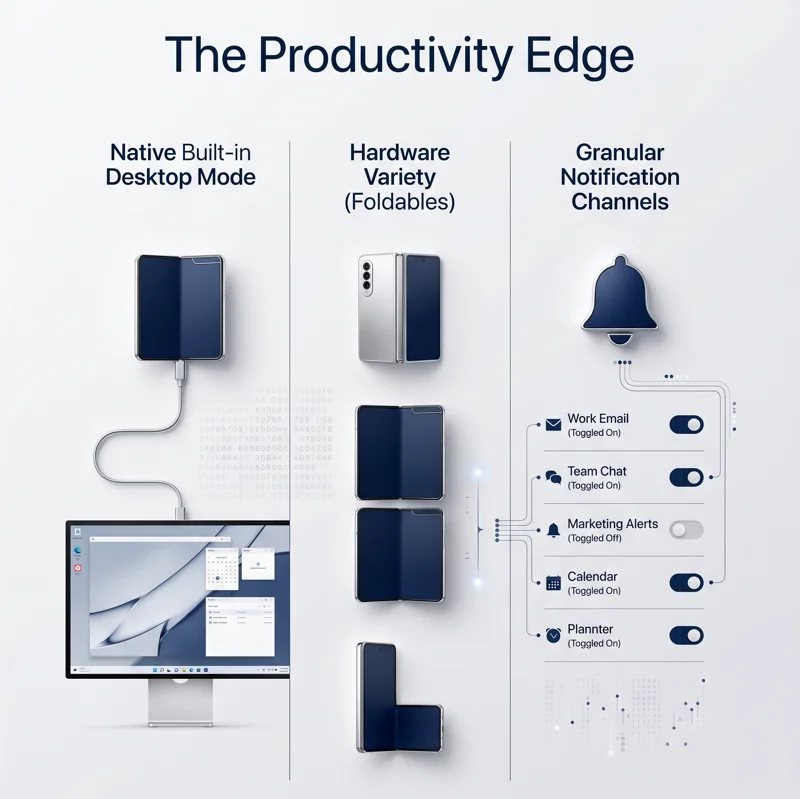
Another massive advantage is the expansive ecosystem of hardware. Apple locks you into a singular design philosophy and chip architecture. Conversely, Android offers custom ROMs and hardware variety that cater to niche professional needs. If you require a productivity powerhouse, devices like the Samsung Galaxy Z Fold 7 provide massive, multi-tasking canvas spaces that simply do not exist in Apple’s walled garden.
This hardware variety perfectly complements the smartphone built-in desktop mode. Features like Samsung DeX, and the native desktop mode now standard across Pixel devices, transform a phone into a primary workstation. When you are unexpectedly tasked with resolving an inode exhaustion issue on a Contabo VPS via SSH, or need to rapidly review Python automation scripts for SEO workflows, transitioning seamlessly from a mobile screen to a full monitor, keyboard, and mouse setup is a lifesaver. It preserves focus and enables deep work without requiring a separate laptop.
| Productivity Environment | Android Experience | iOS Experience |
|---|---|---|
| Desktop Mode | Native UI scaling on external monitors (DeX/Pixel) | Basic screen mirroring only |
| Form Factor Variety | Foldables, ultra-rugged, stylus-integrated | Standard glass slab variations |
| Cross-Platform Sync | Excellent with Windows and Linux setups | Heavily restricted to macOS ecosystem |
Finally, we must address the constant battle for our attention. Android granular notification control is lightyears ahead of Apple’s implementation. While iOS relies heavily on broad Focus modes and scheduled summaries, Android allows you to surgically dissect how, when, and if an app can interrupt you. You can silence specific categories within a single app while allowing critical alerts through. This granular management is the ultimate defense mechanism against digital distraction.
“The ability to completely root a device, install privacy-focused ROMs like GrapheneOS, and escape a manufacturer’s forced software ecosystem is the ultimate expression of digital ownership.”
For more detailed technical documentation on the open-source nature of the platform, you can explore the Android Open Source Project.
| Notification Management | Android Features | iOS Features |
|---|---|---|
| Channel Categories | Granular control per app category | All-or-nothing approach per app |
| Silent Delivery | Deliver quietly to tray natively | Scheduled summaries grouping |
Frequently Asked Questions
Why do power users prefer Android’s developer options?
Android allows on-device access to tweak hardware acceleration, animation speeds, and background process limits without needing external developer software like Xcode.
What is a smartphone built-in desktop mode?
It is a feature, like Samsung DeX, that projects a full desktop user interface onto an external monitor when connected, allowing for PC-like multitasking with a mouse and keyboard.
Can I change my default assistant on an iPhone?
Generally, iOS heavily restricts changing core default apps like the digital assistant to anything other than Siri, whereas Android allows complete substitution.
How does Android handle notifications better than iOS?
Android uses “notification channels,” allowing users to block marketing alerts from an app while keeping crucial alerts from the exact same app active.
Are there options to change the entire operating system on Android?
Yes, power users can unlock their bootloaders and install custom ROMs, such as privacy-focused GrapheneOS, which is impossible on Apple hardware.
Does Android work well with Windows PCs?
Yes, Android integrates seamlessly with Windows and Linux environments, whereas iPhones are primarily optimized for seamless syncing only within the macOS ecosystem.
Why is hardware variety considered a power user feature?
Hardware variety allows users to select devices tailored to their specific workflows, such as purchasing foldable phones for larger screen real estate or rugged devices for field work.
Disclaimer: This article is for informational purposes only. The features, comparisons, and capabilities discussed are based on the operating system builds and hardware available as of 2026 and are subject to change. Modifying system software via custom ROMs may void manufacturer warranties.