If you are running the latest public beta, exploring the new iOS 27 CarPlay features should be at the absolute top of your list. The public beta is officially available, and it introduces a massive shift in how we interact with our vehicle dashboards. Apple has clearly listened to user feedback, delivering upgrades that make driving safer and significantly more entertaining.
The automotive software market is highly competitive in 2026. To stay ahead, Apple focused heavily on bringing artificial intelligence and refined user interfaces directly to your car display. These updates are completely changing the daily commute experience for millions of drivers worldwide.
The Biggest iOS 27 CarPlay Features Unveiled
There is a lot to unpack in this year’s software update. The most prominent iOS 27 CarPlay features focus directly on minimizing driver distraction. By maximizing voice controls and streamlining the media interface, Apple ensures you can keep your eyes strictly on the road.
Siri AI: A Core iOS 27 CarPlay Feature
Siri AI is undoubtedly the flagship element of this new operating system. While it is incredibly powerful on the iPhone, it proves to be especially useful via the dashboard interface. This is easily one of the most practical iOS 27 CarPlay features available today.
Siri AI can now answer highly specific questions based on your personal context and broader world knowledge. For example, if a friend texts you a restaurant address, you no longer need to pull over to manually type it into your mapping application.
You can simply ask Siri to find the specific location mentioned in your recent text messages and immediately begin routing. This level of seamless automation is exactly what drivers have been dreaming about.
“Robust, hands-free control is important in the car, and iOS 27 finally gives Siri the power that it deserves in CarPlay.”
Audio Controls Among Top iOS 27 CarPlay Features
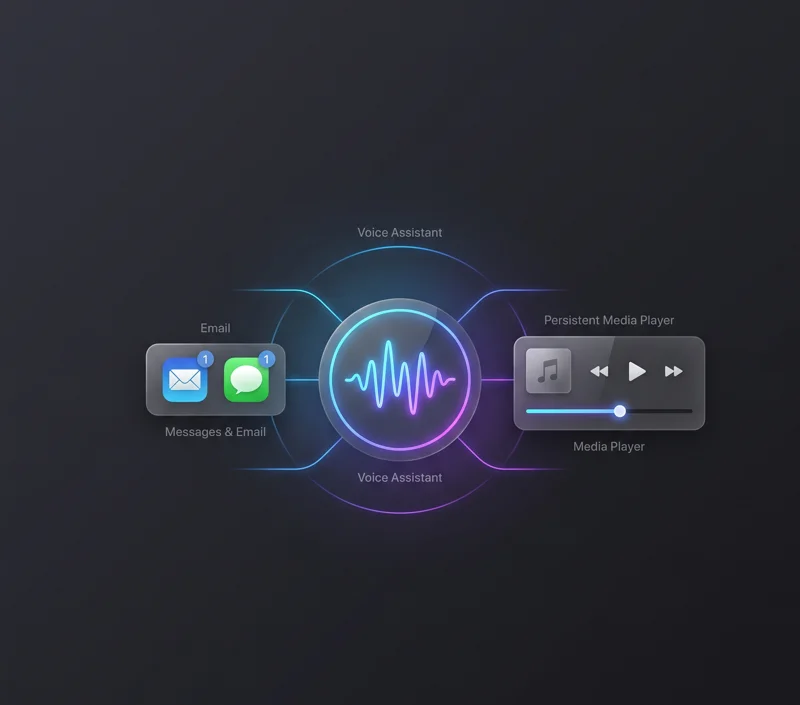
Media consumption is a huge part of the driving experience. Recognizing this, Apple has overhauled the Now Playing interface. Users are now treated to a persistent MiniPlayer throughout various audio applications.
This persistent player sits conveniently in the upper-right corner of your screen. It provides instant access to playback controls and displays beautiful album artwork without dominating the entire display.
Furthermore, one of the most requested iOS 27 CarPlay features is finally here: the audio scrubber. You can now easily drag the scrubber to skip to different sections of a podcast or a long audio mix. You no longer have to blindly mash the physical steering wheel buttons to fast-forward.
| Feature Category | Previous iOS Versions | New iOS 27 Experience |
|---|---|---|
| Voice Assistant | Basic commands and routing | Siri AI with contextual email/text routing |
| Media Playback | Standard skip/play buttons | Persistent MiniPlayer and drag scrubber |
Performance Boosts in iOS 27 CarPlay Features
A beautiful interface is useless if the system constantly crashes. Fortunately, Apple has prioritized stability in this release. The under-the-hood performance tweaks represent some of the most vital iOS 27 CarPlay features for everyday commuters.
Stability and GPS Enhancements
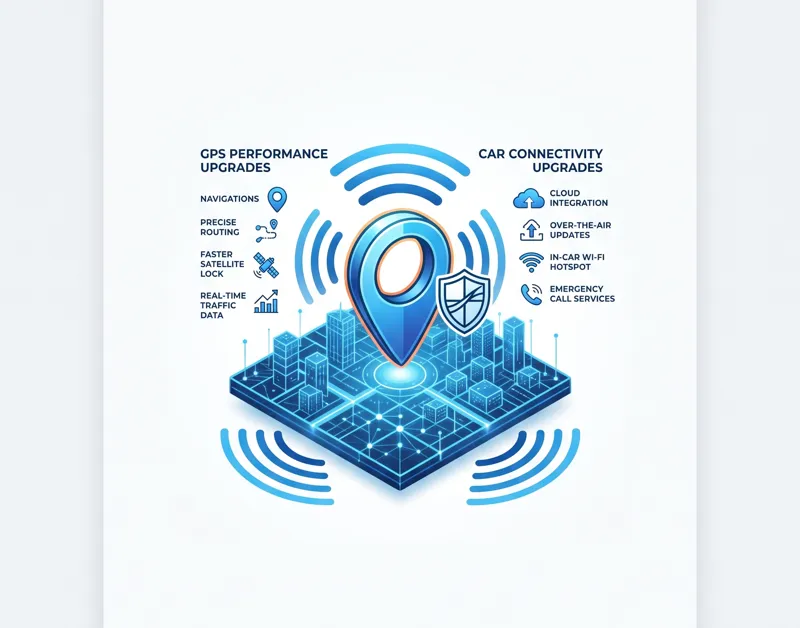
Navigation heading issues have plagued drivers in urban canyons for years. Apple officially states that the new software addresses these frustrating bugs. Improved navigation heading and GPS accuracy mean your map will instantly recognize which direction you are facing at a busy intersection.
In addition to GPS upgrades, Apple has worked tirelessly to improve wireless reliability. If you utilize a wireless adapter or have a vehicle with built-in wireless support, you should experience far fewer random disconnects.
| Performance Fix | Driver Benefit |
|---|---|
| GPS Accuracy Upgrade | Precise directional tracking in busy downtown areas. |
| Wireless Connection Patch | Stops random system crashes and bluetooth drops. |
Visual Upgrades and Future iOS 27 CarPlay Features
While Apple still restricts the use of personal photos for dashboard backgrounds, they have added a fresh collection of native wallpapers. These new designs perfectly match the stock aesthetic of your updated iPhone.
Looking toward the future, one of the most exciting upcoming iOS 27 CarPlay features is dedicated video app support. Developers now have the tools to build video streaming applications specifically for the car.
However, this requires strict support from automakers to ensure safety regulations are met. It might take a while before you can binge your favorite shows while parked. You can read more regarding software limitations and beta rules on the Apple Beta Software Program portal.
“While the dream for many is CarPlay Ultra, it’s really nice to see Apple make meaningful improvements to the version already available in millions of cars.”
Frequently Asked Questions About iOS 27 CarPlay Features
What are the best new iOS 27 CarPlay features?
The most notable upgrades include Siri AI contextual routing, a brand-new audio scrubber, persistent MiniPlayer interfaces, and improved GPS accuracy.
Does the new update resolve wireless disconnection issues?
Yes, one of the hidden but essential iOS 27 CarPlay features is a robust patch aimed at drastically improving wireless connection stability.
Can I watch video apps on my dashboard now?
While the software framework is now available for developers, activating these specific iOS 27 CarPlay features requires direct authorization and support from your vehicle’s manufacturer.
Is Siri AI difficult to use while driving?
Not at all. Siri AI is designed to be completely hands-free, allowing you to seamlessly pull addresses from your messages without touching your screen.
How does the new audio scrubber work?
The scrubber is part of the updated Now Playing interface. It allows you to drag your finger to precisely skip forward or backward in songs and long podcast episodes.
Can I finally use custom photos as my wallpaper?
Unfortunately, no. Apple still restricts custom photo backgrounds, but they have introduced several new default wallpapers that match the latest iPhone operating system.
How can I test these iOS 27 CarPlay features today?
You must enroll your iPhone in the public beta program and install the latest software version. Once updated, simply connect your phone to your vehicle to see the changes.
Disclaimer: This article is for informational purposes only. Beta software can be unstable and may cause issues with your device or vehicle interface. Always prioritize safe driving practices and never interact with complex screens while your vehicle is in motion.