Here is Why Microsoft Is Encouraging Users to Stay Off Public Wifi Networks: a massive and highly sophisticated cyberattack is actively targeting travelers worldwide.
You have likely heard the standard warnings about the dangers of using unsecured connections. However, the cybersecurity landscape in 2026 has drastically changed.
A new, aggressive hacking campaign known as CaptiveCrunch has emerged. This threat is specifically targeting the wireless connections at hotels, conference centers, airports, and other popular hospitality venues.
The primary goal of these malicious actors is to steal sensitive login credentials and completely compromise your personal or work devices.
Understanding the Threat: Here is Why Microsoft Is Encouraging Users to Stay Off Public Wifi Networks
The urgent warning comes directly from top cybersecurity experts. They have discovered that sophisticated threat actors are manipulating network infrastructures.
These hackers are specifically using the captive portal prompts. These are the screens that automatically appear when you try to connect to a guest network.
Because everyday users are deeply accustomed to seeing these standard pop-ups, they are far less likely to be suspicious when asked for information.
The convenience of free airport Wi-Fi is no longer worth the severe cybersecurity risks posed by advanced portal phishing attacks.
Security researchers note that these attackers can easily manipulate DNS and HTTP traffic. This allows them to seamlessly redirect unsuspecting users to highly realistic phishing sites.
Once on these fake sites, the attackers harvest login credentials, device codes, and push malware via fake update prompts.
| Network Type | Security Level | Recommended Action |
|---|---|---|
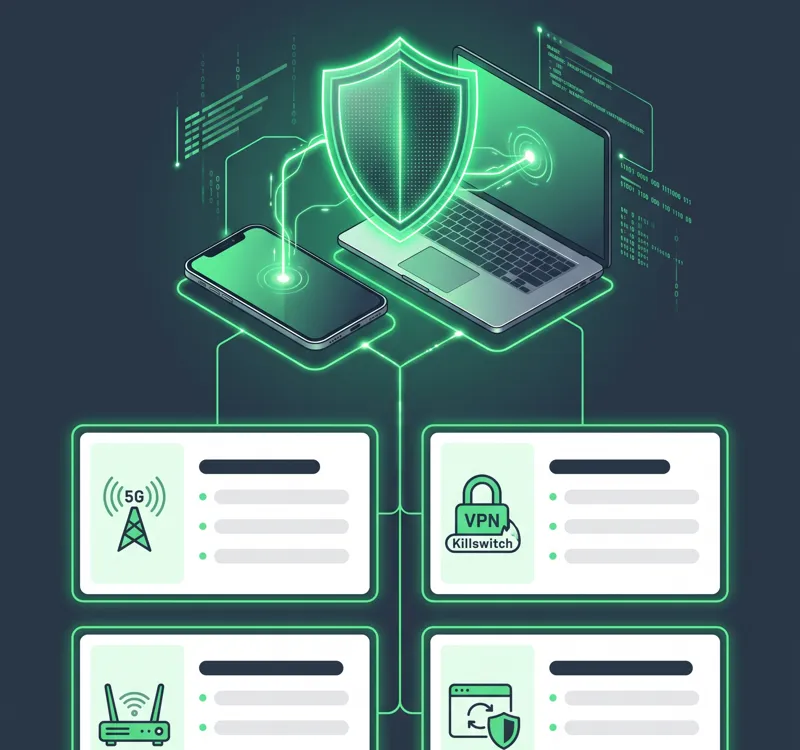
| Cellular Data (5G/4G) | High | Primary choice for travelers |
| Hotel / Airport Wi-Fi | Very Low | Avoid entirely or use a VPN |
| Enterprise Travel Router | Maximum | Best for corporate devices |
The Mechanics of CaptiveCrunch: Here is Why Microsoft Is Encouraging Users to Stay Off Public Wifi Networks
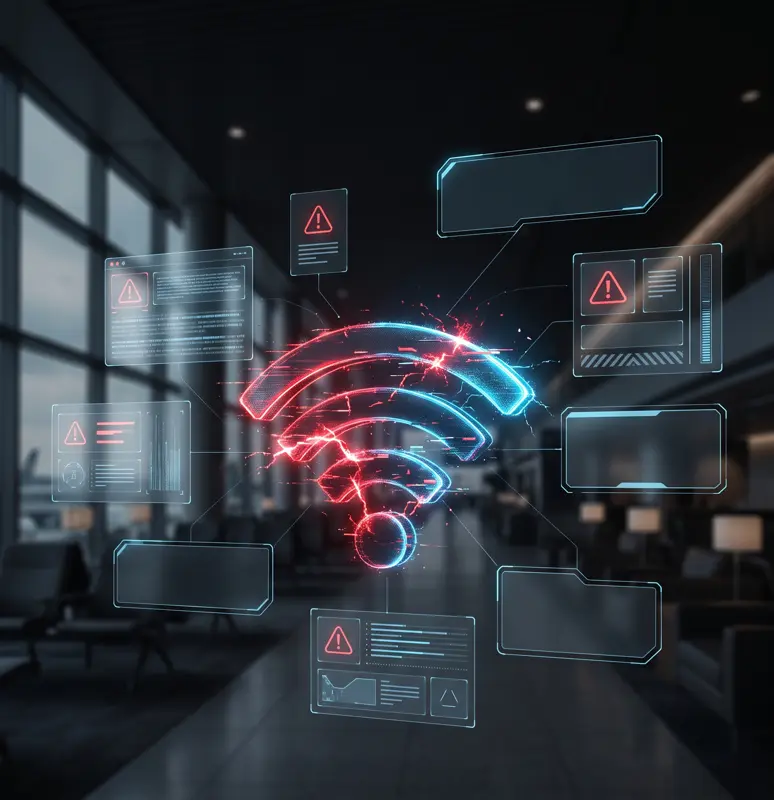
Users might see a number of fake dialog boxes when attempting to connect to a hotel network. These often disguise themselves as legitimate system alerts.
For example, you might see a fake Windows Update screen or a prompt claiming you need to download a PDF viewer to access the internet.
These are classic signs of a machine-in-the-middle attack. The attackers intercept your traffic and inject these malicious prompts directly into your browser.
For more detailed information on current cyber threats, you can review the latest reports from Microsoft Threat Intelligence.
If you see anything urgent, such as a countdown timer demanding you take immediate action, it is an immediate red flag.
Actionable Protection Steps and Here is Why Microsoft Is Encouraging Users to Stay Off Public Wifi Networks
Experts urge all travelers to assume that any public or guest wireless connection is fundamentally untrustworthy. Your safest bet is always to rely on private connections.
Using a mobile hotspot powered by your cellular data is vastly superior to logging into an unknown hospitality network.
If you must use a public connection, experts strongly recommend using a premium VPN with a killswitch. This feature blocks all internet traffic if your secure connection drops.
Never download a software update, security certificate, or PDF viewer directly from a Wi-Fi login screen. It is almost always a malicious payload.
You should also inspect all login pop-ups carefully. Be extremely wary of portal pages that ask for excessive personal information.
| Threat Indicator | What It Means |
|---|---|
| Fake Software Updates | Attempting to install malware on your device. |
| Urgency / Countdown Timers | Psychological manipulation to force quick, unsafe clicks. |
| Requesting Code Execution | A ClickFix attack designed to bypass your security software. |
Always ensure your devices, applications, and operating systems are fully up to date before you travel. This minimizes the risk of vulnerabilities being exploited.
Ultimately, understanding Here is Why Microsoft Is Encouraging Users to Stay Off Public Wifi Networks is your first line of defense in protecting your digital life.
Frequently Asked Questions
What is the main reason Here is Why Microsoft Is Encouraging Users to Stay Off Public Wifi Networks?
The primary reason is a sophisticated hacking campaign called CaptiveCrunch, which uses fake Wi-Fi login screens to steal passwords and install dangerous malware on user devices.
What exactly is a captive portal?
A captive portal is the web page that automatically pops up asking you to accept terms and conditions or enter a room number before connecting to a public internet service.
How does the CaptiveCrunch attack work?
Hackers intercept the network traffic and alter the captive portal page, tricking users into downloading fake software updates or entering sensitive login credentials.
What should I do if a hotel network asks me to download an update?
You should immediately close the browser and disconnect from the network. A legitimate wireless connection will never require you to download a software update to gain internet access.
Why do cybersecurity experts recommend a VPN with a killswitch?
A killswitch instantly cuts off your device’s internet access if the VPN connection drops, preventing your unencrypted data from accidentally leaking onto the compromised public network.
Is using my smartphone’s mobile hotspot safer than airport Wi-Fi?
Yes, using your cellular data to create a personal mobile hotspot provides a much more secure and encrypted connection compared to an open, shared public network.
How can I summarize Here is Why Microsoft Is Encouraging Users to Stay Off Public Wifi Networks in one sentence?
Public networks are actively being hijacked by cybercriminals who use fake login prompts to deceive travelers into compromising their own devices.
Disclaimer: This article is for informational purposes only. Cybersecurity threats evolve rapidly, and you should always consult official resources from security providers for the most up-to-date protection advice.