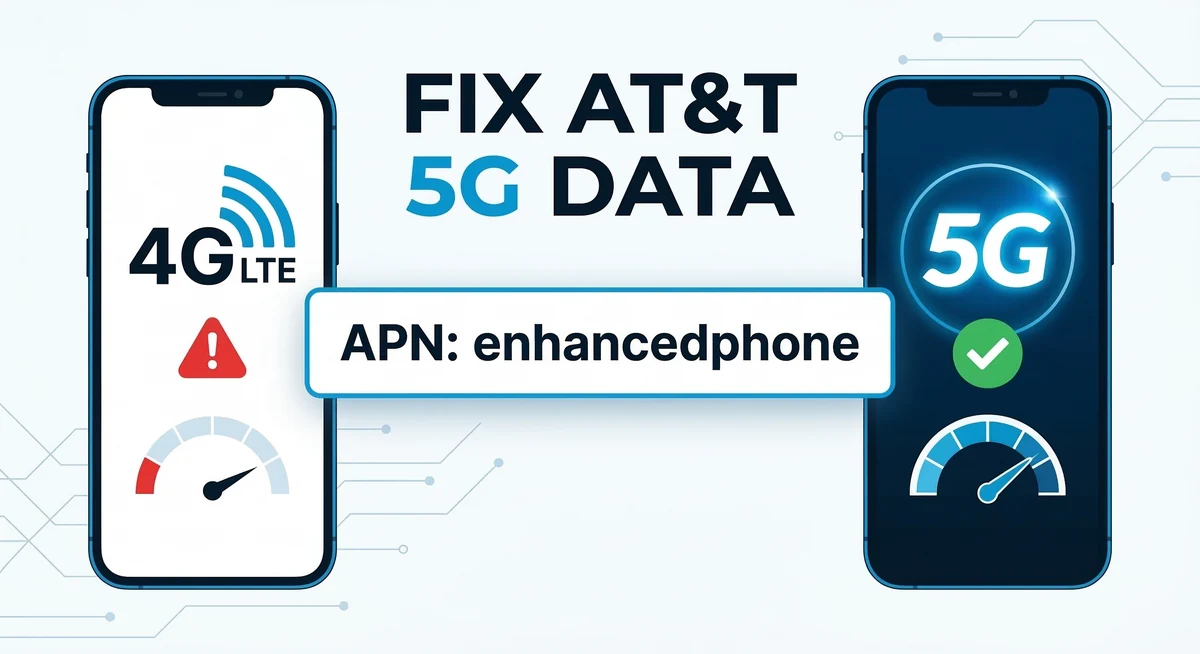
If you rely on your phone for internet on the go, a sluggish connection can be incredibly frustrating. Many users notice that their Cricket wireless Wi-Fi connection is perfectly fast when browsing on the phone, but the moment they connect a laptop or tablet, the hotspot speeds drop to an unusable crawl.
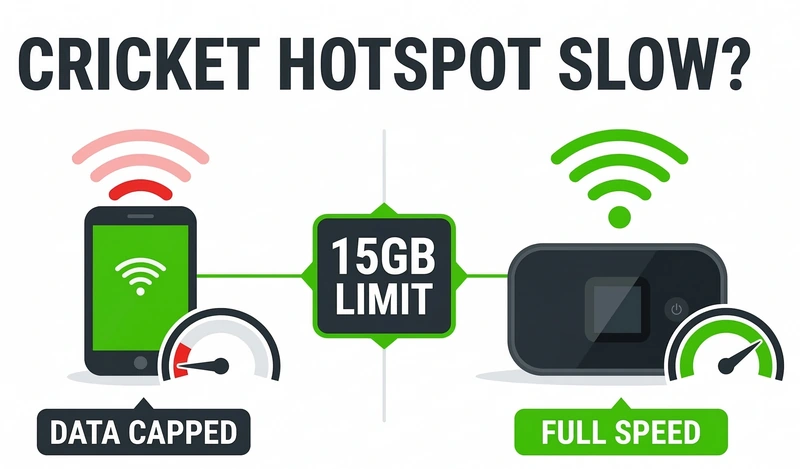
Why does this happen, and more importantly, how can you fix it? The answer usually lies in how Cricket Wireless manages data caps, network congestion, and device compatibility.
Key Takeaways: Quick Fixes for Slow Hotspot
Check your data cap: Even on “unlimited” plans, Cricket caps high-speed hotspot data (usually at 15GB). Once you hit that limit, speeds drop to 128 kbps.
Check your device: Not all unlocked phones are fully provisioned to use a Cricket hotspot device connection effectively.
Monitor network congestion: During peak hours, Cricket data is deprioritized behind AT&T’s direct postpaid customers.
Here is a step-by-step troubleshooting guide to understand the restrictions on your account and restore your fast mobile internet.
The Hidden Limits of the Cricket Mobile Hotspot Plan
One of the most common misconceptions among users is how “unlimited” data actually works. If you signed up for an unlimited Cricket hotspot feature, you might assume you can stream Netflix on your laptop all month long.
Unfortunately, this is not the case. While your phone’s direct data might be unlimited, the Cricket mobile hotspot plan typically includes a strict high-speed allowance—usually 15GB per billing cycle on their top-tier unlimited plan.
Once you share 15GB of data with your other devices, Cricket automatically throttles your hotspot speed down to 128 kbps. At this speed, you can barely send an email, let alone watch a YouTube video.
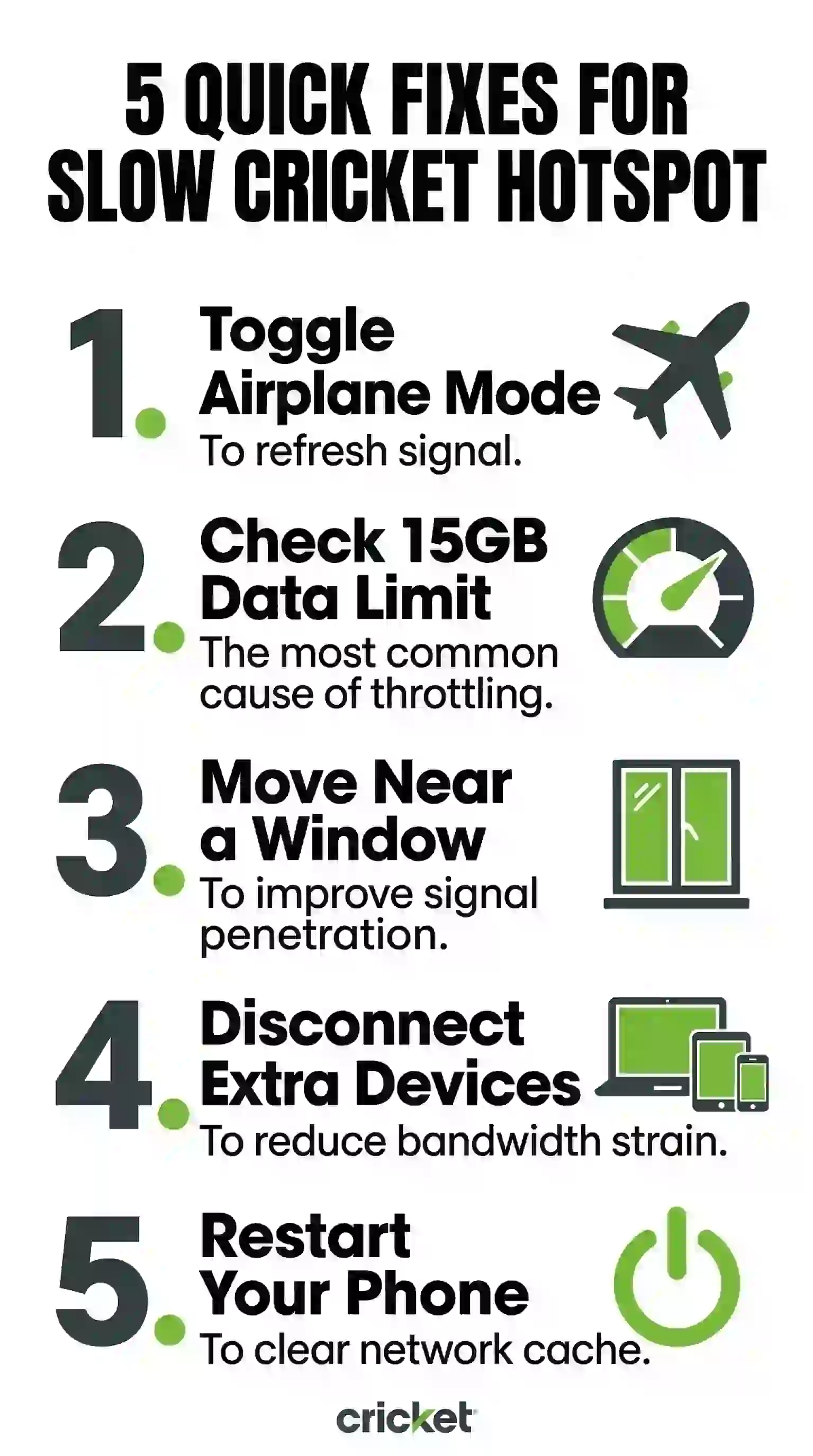
The Fix: You can track your exact hotspot usage by logging into your account via the official cricketwireless com hotspot portal or the myCricket app. If you have maxed out your allowance, you will need to purchase a hotspot data add-on (usually $10 for an extra 15GB) to restore your speed.
Network Deprioritization: Why Even High-Speed Data Slows Down
If you haven’t hit your 15GB cap but your Cricket wireless mobile hotspot is still crawling, you are likely experiencing network deprioritization.
Cricket Wireless operates as an MVNO (Mobile Virtual Network Operator) on the AT&T network. During times of heavy network traffic (like rush hour or during a large sporting event), the parent company prioritizes its own direct AT&T postpaid customers first. As a result, Cricket users get “deprioritized,” meaning your speeds are temporarily slowed down until the network clears up.
The Fix: * Try toggling Airplane Mode on and off. This forces your phone to disconnect and reconnect to the nearest cell tower, which might put you on a less congested frequency.
-
Limit hotspot usage during known peak evening hours in your area.
Are You Using a Compatible Cricket Hotspot Device?
Another major culprit for slow speeds is the hardware itself. If you brought an unlocked phone to Cricket (BYOD), the software might not be fully optimized to broadcast a strong Wi-Fi signal using Cricket’s specific APN settings.
Additionally, using an older phone to broadcast a signal limits the connection to older Wi-Fi standards (like Wi-Fi 4), which drastically reduces the speed your connected laptop will receive.
The Fix: If you need reliable, high-speed internet for work or travel every day, relying on your phone isn’t the best strategy. Instead, consider investing in a dedicated Cricket mobile hotspot device. These standalone routers (such as the Turbo Hotspot series) have stronger antennas, handle multiple connections without overheating, and offer dedicated data plans specifically designed for tethering.
Final Thoughts: Optimizing Your Connection
Dealing with a slow connection can interrupt your workflow, but understanding the rules of your Cricket wireless hotspot plan is the first step to fixing it. Always monitor your data usage, ensure your device is compatible, and know when to buy a data top-up.
Are you still experiencing slow speeds even after checking your data cap? Drop your phone model in the comments below, and we will help you troubleshoot your specific device!