Keeping your kids safe in the digital age is a massive challenge for US parents. If you are on the nation’s largest network, you have likely been pitched their native parental control tools to help manage screen time and track locations. But when it comes down to verizon family vs verizon family plus, which tier actually delivers on its promises? Today, we are stepping away from the carrier marketing to give you an honest, tech-focused review of these services, including where they shine and where they completely miss the mark.
The Core Differences: verizon family vs verizon family plus
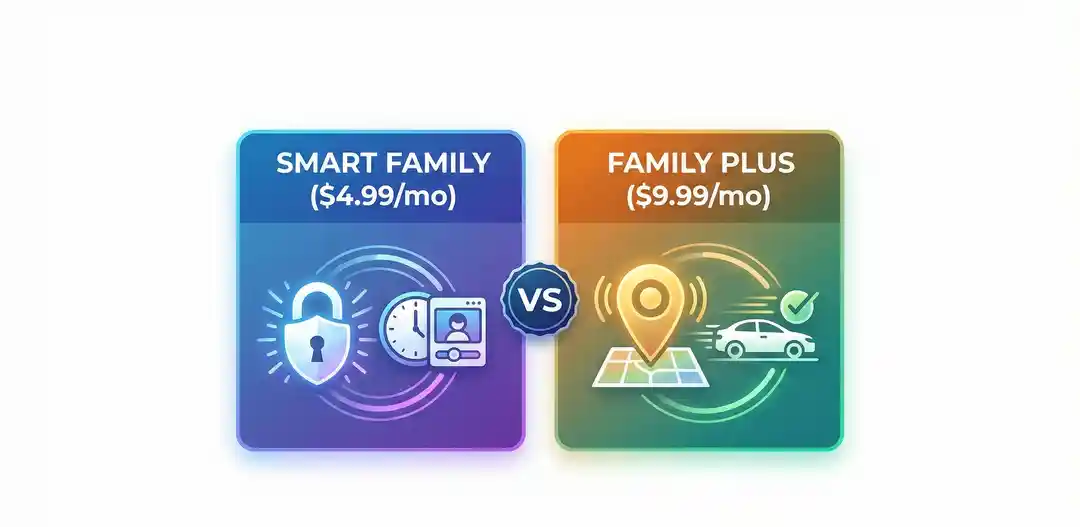
Verizon offers two main tiers for its parental control suite. The standard verizon smart family focuses strictly on digital boundaries, while the upgraded verizon family plus adds physical location tracking into the mix. Here is a clear breakdown of what you get for your monthly fee to help you decide which level fits your household.
| Feature | Standard Smart Family ($4.99/mo) | Smart Family Plus ($9.99/mo) |
|---|---|---|
| Content Filtering & Site Blocking | Yes | Yes |
| Screen Time Limits & App Pausing | Yes | Yes |
| Text & Call Monitoring (Logs) | Yes | Yes |
| Real-Time Location Tracking | No | Yes |
| Arrival/Departure Alerts | No | Yes |
| Driving Insights | No | Yes |
The Ugly Truth: why verizon smart family is bad for older kids
As a trusted tech reviewer, we have to look past the shiny feature lists and see how the app functions in the real world. If you look at recent verizon family app reviews on the App Store or Google Play, you will notice a frustrating trend of low star ratings. Many parents ask why verizon smart family is bad in practice, and the answer usually comes down to tech-savvy teens and software bugs.
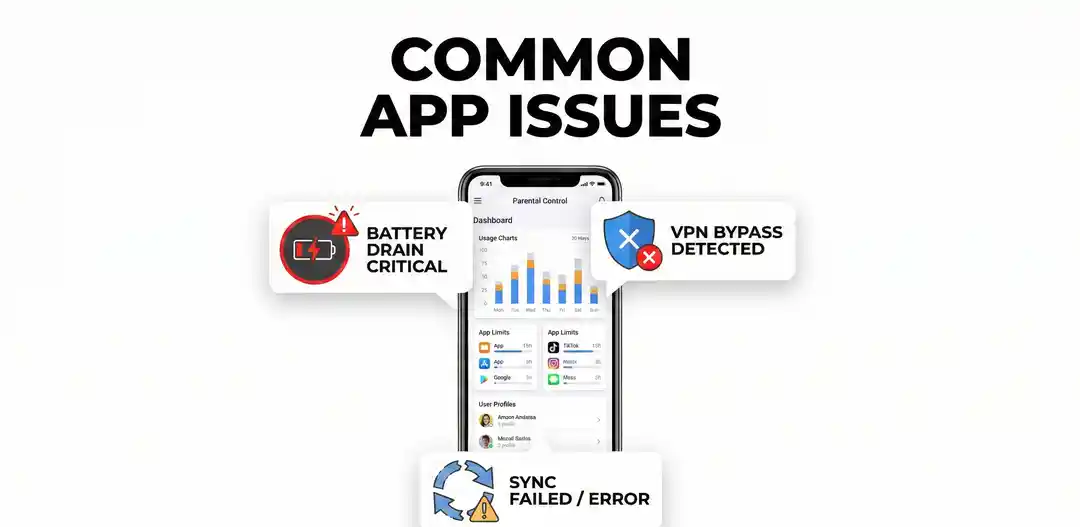
First, clever kids quickly learn that basic VPNs (Virtual Private Networks) or tweaking network settings can sometimes bypass Verizon’s content filters. Secondly, parents frequently report significant battery drain on the child’s device when the app runs in the background. Finally, syncing errors are a common complaint; sometimes, a parent will press “Pause Internet,” but the command takes too long to register on the child’s phone, causing unnecessary household friction.
The Ultimate Showdown: verizon family vs life360
If the native carrier app has flaws, what is the alternative? For most US families, the real debate is verizon family vs life360. Life360 is widely considered the gold standard for physical location tracking. While Verizon relies heavily on a mix of cell tower triangulation and GPS, Life360 uses a highly optimized GPS algorithm that updates faster and is noticeably more accurate on a street-level basis.
When factoring in the life360 cost, the basic tier is completely free and covers essential location sharing, which already rivals Verizon’s $9.99/mo Plus tier for location accuracy. Life360’s premium Gold plan runs about $14.99 per month. While pricier than Verizon, it includes premium features like 24/7 roadside assistance, stolen phone protection, and incredibly precise crash detection. However, it is crucial to note that Life360 does not offer internet-pausing or web-filtering tools. It is strictly a location and safety app.
Final Verdict
So, where should you spend your money? If your primary concern is keeping younger children off inappropriate websites and locking their screens at bedtime, the basic $4.99 Verizon tier is an affordable, entry-level tool. However, if you are debating verizon family vs verizon family plus for a teenager who is starting to drive or walk home alone, we recommend skipping the carrier’s Plus upgrade. Instead, use the basic Verizon tier for digital limits, and download the free version of Life360 for vastly superior physical location
If you’re also looking for the best internet deals in your area, check out our guide on the fastest internet in Las Vegas for top provider picks and real speed comparisons.tracking.