The search for the “verizon account pin” indicates a user needs to locate or reset the primary security code used to manage their Verizon mobile service.
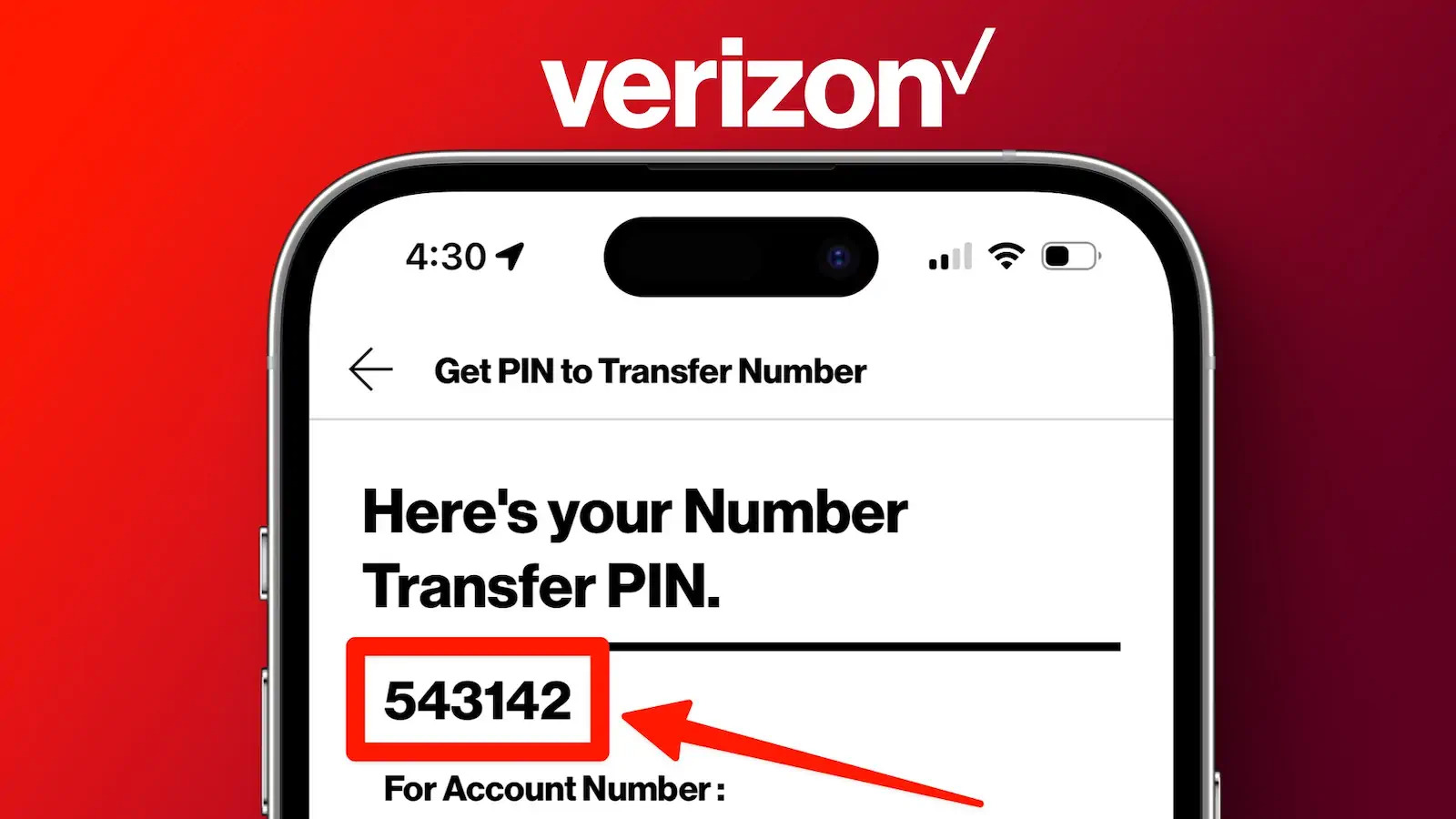
Your Verizon Account PIN is a 4-digit number used as the primary security code to verify your identity when you call Customer Service or visit a Verizon store to make account changes. It is not the same as your My Verizon website password, nor is it the Number Transfer PIN (which is a separate 6-digit code used only for porting your number to a new carrier).
For security, Verizon cannot provide you with your current Account PIN, but you can easily reset or create a new one online through the My Verizon app or website.
-
How to Find or Reset Your Account PIN
The Account PIN must be managed by the Account Owner or an Account Manager via the online portal.
Step-by-Step PIN Reset (Recommended Method)
- Log In: Sign in to your My Verizon account (via the app or website) using your User ID and password.
- Navigate to Security: Go to Account > Account Settings > Security (or search “Account PIN” in the support section).
- Find the Option: Look for the option labeled Change Account PIN.
- Create New PIN: Follow the on-screen instructions to enter a new 4-digit PIN, and then confirm it.
Important: If you have forgotten your Account PIN, you can only reset it using the method above; Verizon will not email or text your existing PIN.
PIN Requirements
Your 4-digit Account PIN cannot be any of the following for security reasons:
- The last four digits of your Social Security Number (or the reverse).
- Sequential numbers (e.g., 1234, 5678).
- Repeating numbers (e.g., 2222, 9999).
-
Account PIN vs. Number Transfer PIN (NTP)
These two security codes serve completely different, critical purposes.
| Security Code | Purpose | Format | How to Get It |
| Account PIN | General Security. Used for identity verification when speaking to Verizon support or making routine changes. | 4 digits (numbers only) | Set or reset directly in the My Verizon app/website (Security page). |
| Number Transfer PIN (NTP) | Port-Out Security. Used ONLY to authorize the transfer (porting) of your mobile number to a new carrier. | 6 digits (generated on demand) | Dial #PORT (#7678) from your phone, which sends a link to generate the PIN in My Verizon. |
Security Note: The Number Transfer PIN is a critical defense against SIM-swapping fraud and unauthorized port-outs. It is valid for only seven days and must be generated new every time you transfer a number. Never share your Account PIN or your NTP with anyone except your new carrier.
-
Account Security and Fraud Prevention
Verizon recommends integrating the Account PIN into a broader security strategy to protect against account takeover.
Safeguarding Your Account
- Two-Factor Authentication (2FA): Enable 2FA for your My Verizon account login. This sends a secondary code or app notification when you sign in from a new device.
- Retail Verification: When visiting a Verizon corporate store, the representative will send a SecurePIN authentication text to your device or a notification via the My Verizon app to confirm your identity before making any changes.
- Be Skeptical of Unsolicited Contact: Verizon will never call, text, or email you and ask for your Account PIN or Number Transfer PIN. If someone calls asking for this information, it is a scammer attempting to gain unauthorized access to your account.
Frequently Asked Questions (FAQ)
What happens if I forget my Account PIN?
You can reset it online immediately. Follow the steps in Section 1 (Log In > Account Settings > Security > Change Account PIN). You do not need to call customer service unless you cannot access your My Verizon account.
Can a scammer steal my number with just my Account PIN?
No. While the Account PIN provides a high level of security, Verizon now requires the separate 6-digit Number Transfer PIN (NTP) for any change-of-carrier requests, making it significantly harder for a fraudster to port your number even if they somehow obtain your Account PIN.
How do I share my PIN with another family member?
The Account Owner can share the 4-digit Account PIN with an Account Manager (another line on the account) so they can call customer service on the owner’s behalf. However, the Account Owner must be the one to set or change the PIN online.